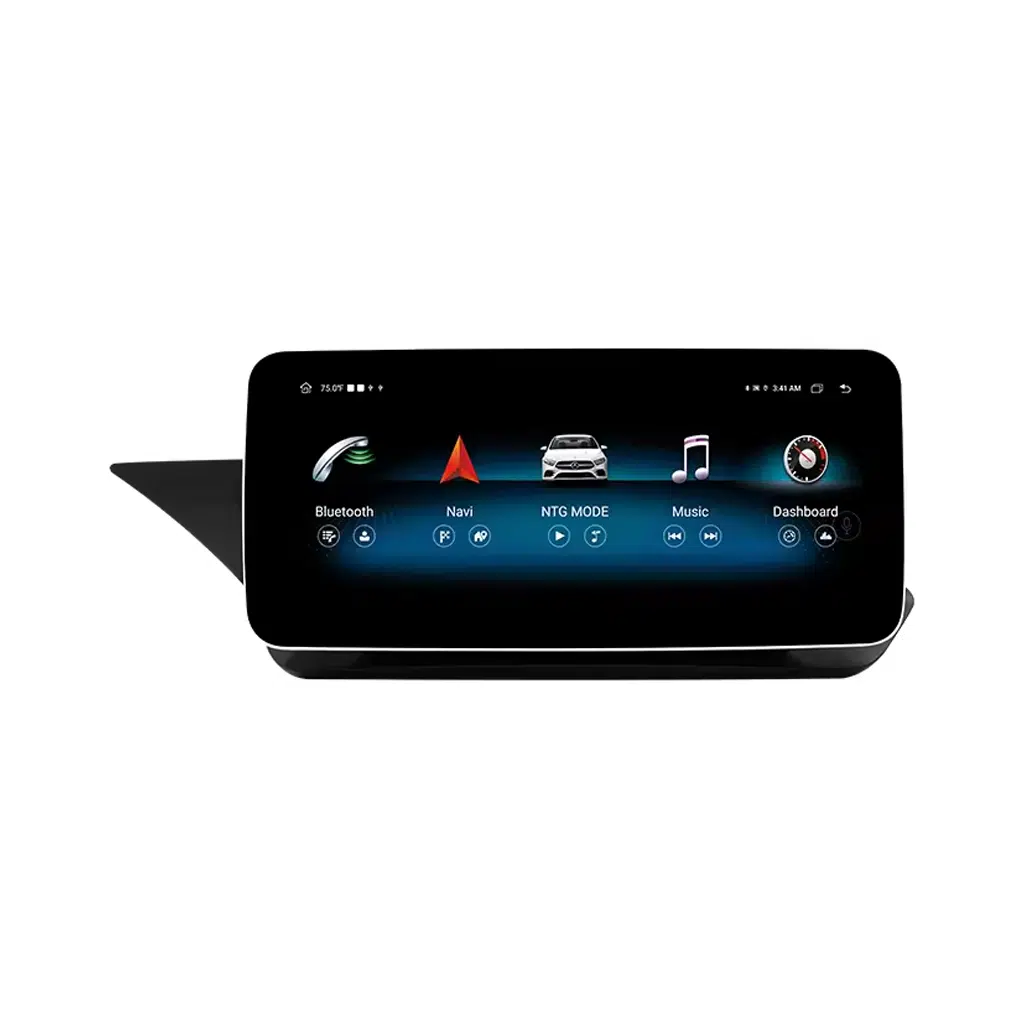
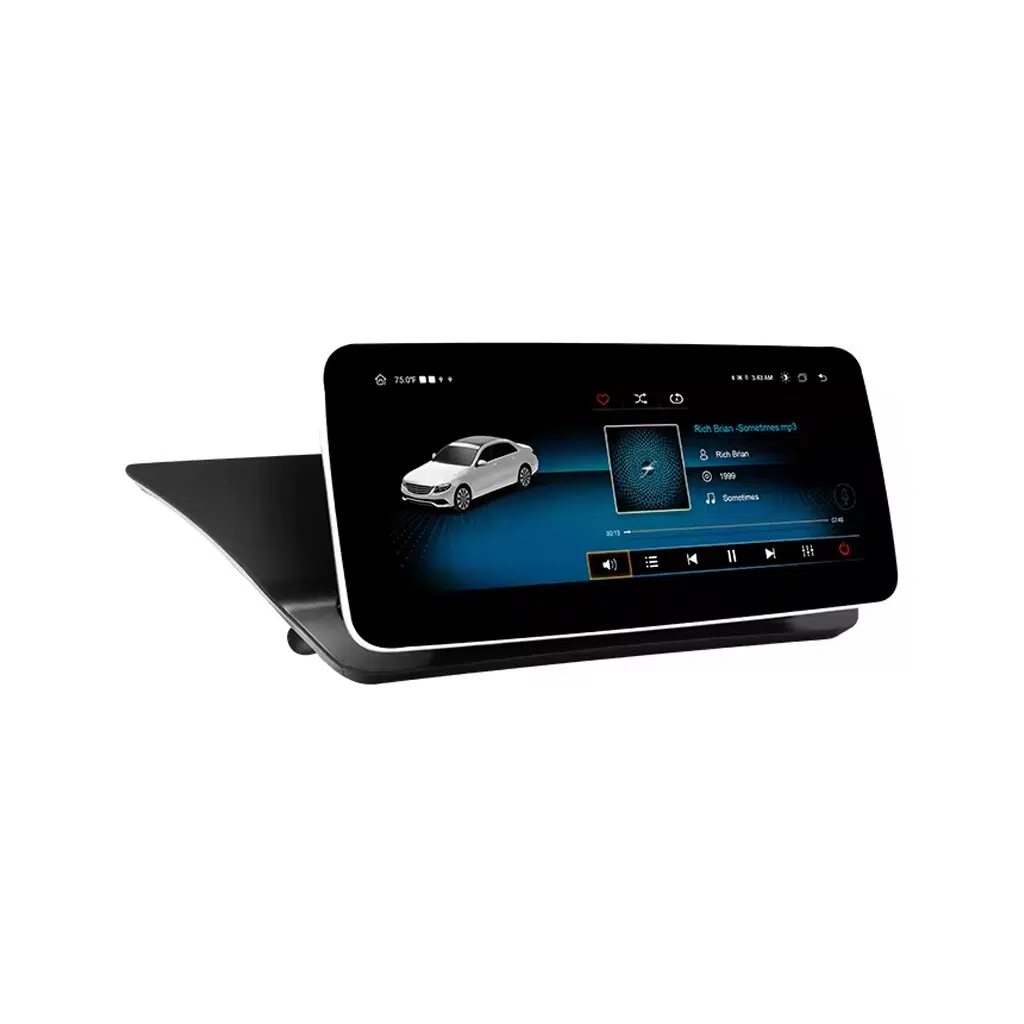
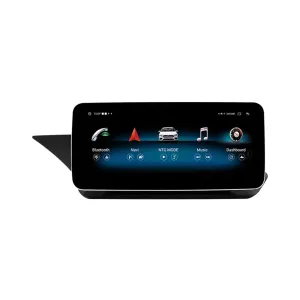
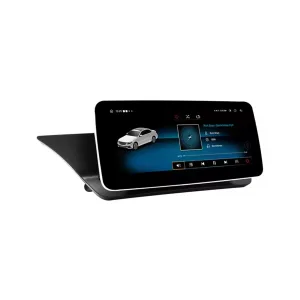
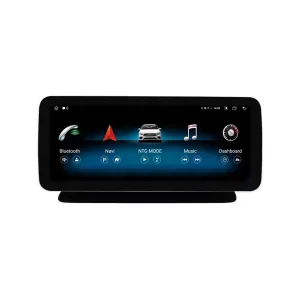
A Cleaner Factory-Style Screen Upgrade for Your 2015–2016 W212
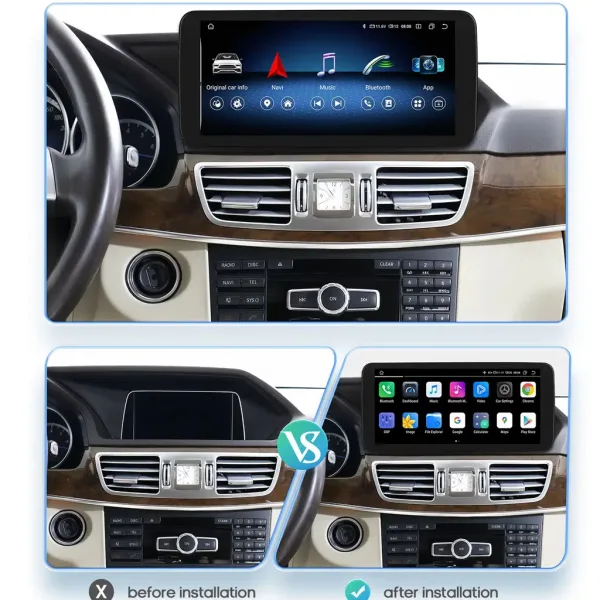
This upgrade is built around the Mercedes W212 Android Car Stereo format for 2015–2016 NTG5.0 E-Class vehicles. It gives your dashboard a wider modern interface while keeping the cabin close to the original Mercedes layout. The main value is not only a larger screen; it is easier navigation, wireless smartphone use, better music control and a cleaner daily driving experience. iKAGOO prepares the correct version after checking your vehicle year, dashboard layout, original system and connector details.
نظام صوتي للسيارة يعمل بنظام أندرويد من مرسيدس طراز W212 لفئة E (2015–2016) NTG5.0
Upgrade the factory screen experience with Wireless CarPlay, Android Auto, DSP audio, Bluetooth, WiFi, 4G connectivity and a vehicle-specific wiring route. Before shipment, iKAGOO checks your W212 year, NTG5.0 system, screen area, LHD/RHD position and connector photos so the screen, harness and vehicle interface are prepared for the right vehicle.
From Factory Screen to Modern Daily Use
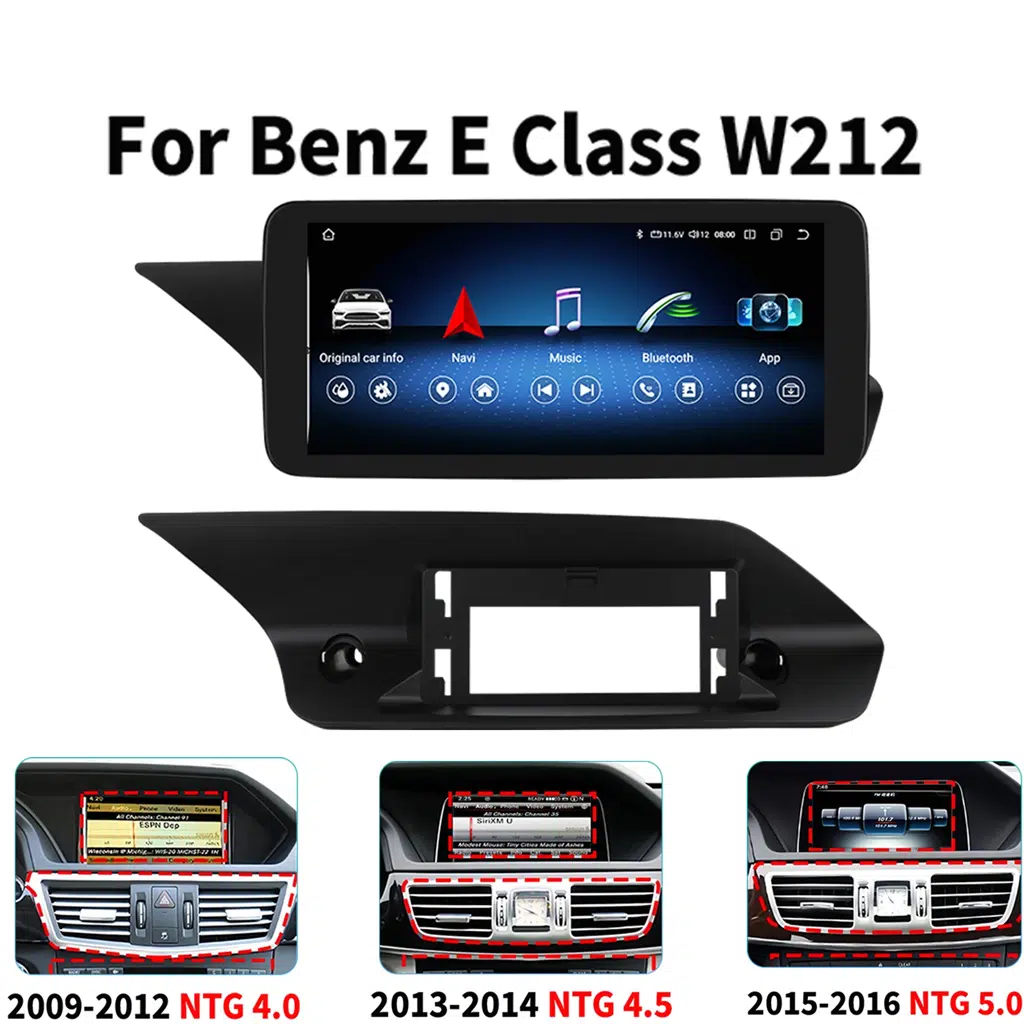
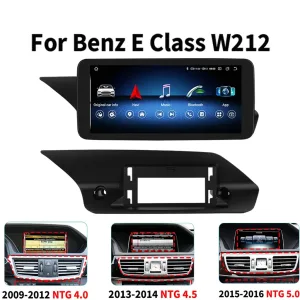
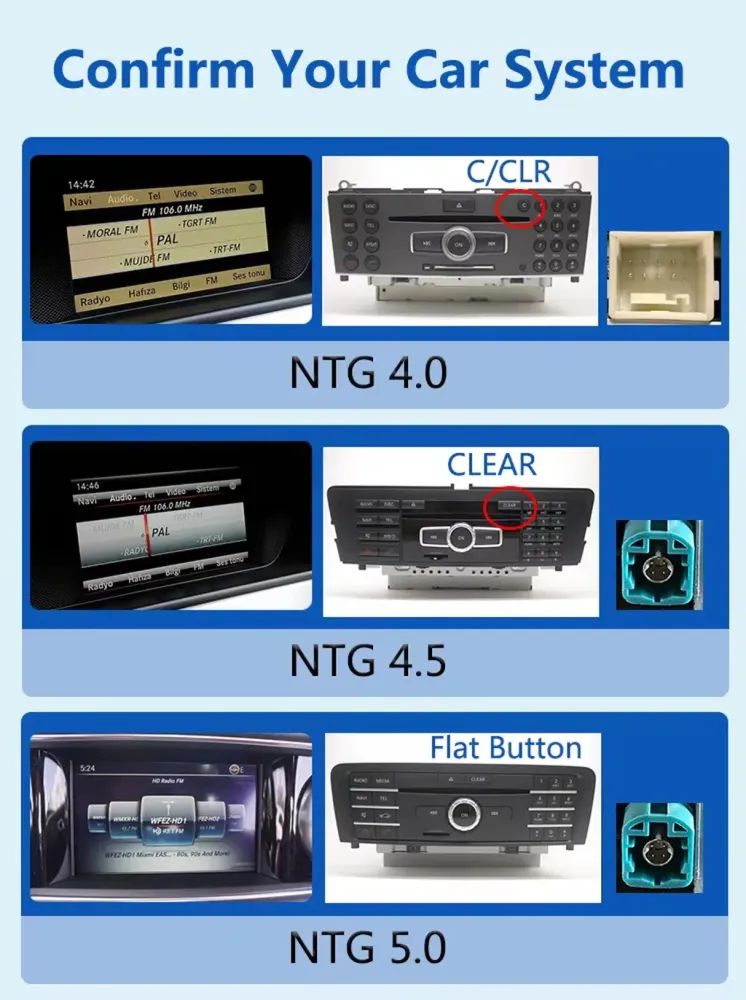
The W212 cabin still has a strong Mercedes feel, but the original screen experience can feel dated for navigation, music and phone connection. This upgrade gives you a wider display and a more practical interface without turning the dashboard into a universal aftermarket look. You can use navigation and music more easily while keeping the central screen position familiar. The correct system match is important because NTG5.0 vehicles are not the same as earlier NTG4.0 or NTG4.5 cars.
إجابة سريعة
The Mercedes W212 Android Car Stereo is a vehicle-specific Android screen and car stereo upgrade for 2015–2016 Mercedes-Benz E-Class W212 vehicles with the NTG5.0 factory system. It upgrades the original screen experience with Wireless CarPlay, Android Auto, GPS navigation apps, Bluetooth, WiFi, 4G support and DSP audio tuning. Original steering-wheel controls, factory camera-related display, factory audio route and CANBUS communication are prepared through the matched harness and vehicle interface when the correct vehicle version is selected. Before shipment, iKAGOO checks the vehicle year, dashboard layout, factory system screen, LHD/RHD position and connector photos to reduce wrong-version risk. Choose iKAGOO if you want a more complete upgrade path than a generic screen listing with no vehicle review after payment.
Not Just a Bigger Screen — A More Useful W212 Cabin
Each feature below is tied to a real daily-use benefit. The goal is to make your E-Class easier to navigate, easier to connect and easier to enjoy without losing the original Mercedes operating feel.
نظام التشغيل اللاسلكي CarPlay وAndroid Auto
Use navigation, calls and music from your phone without relying on the older factory interface. This is the main reason many 2015–2016 W212 owners search for an Android screen or CarPlay upgrade. It makes daily driving easier for both the driver and passengers because the screen becomes more familiar, app-based and flexible.
Factory-Style Dashboard Fit
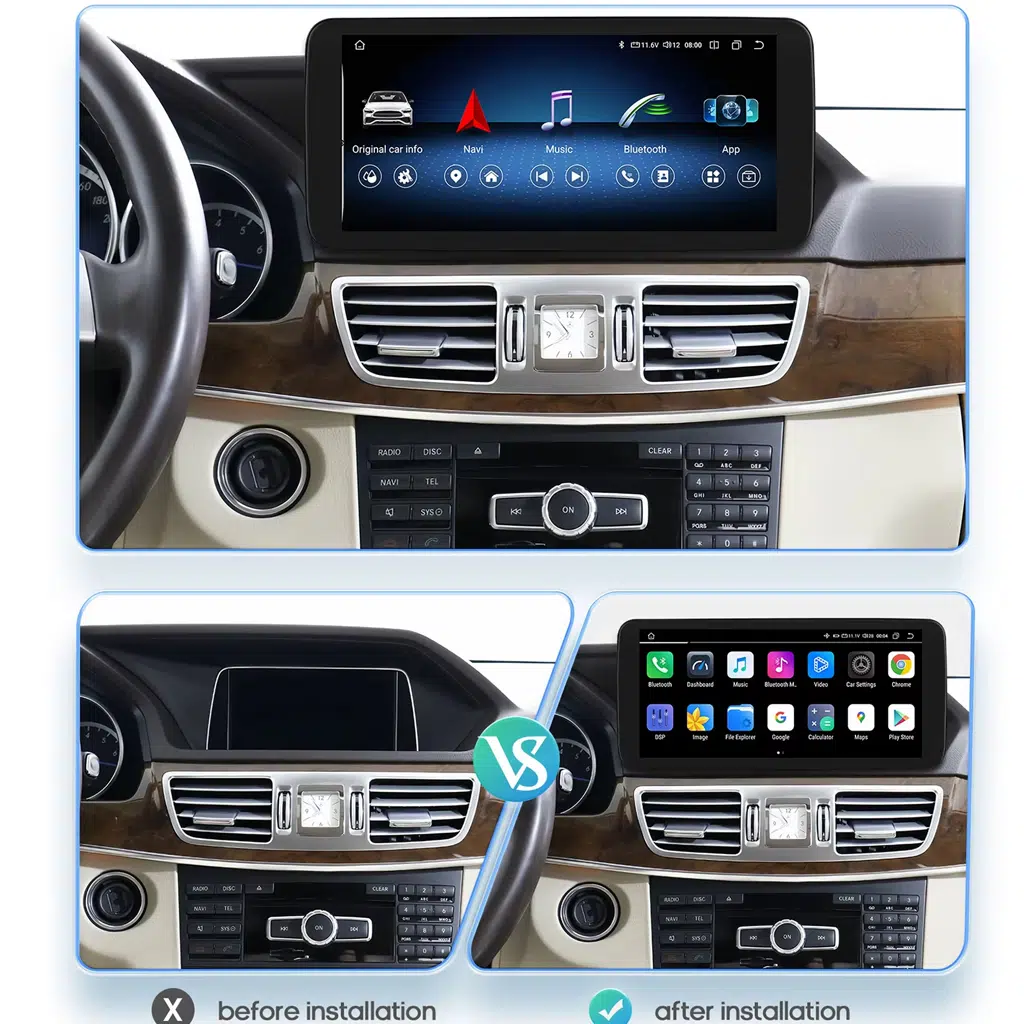
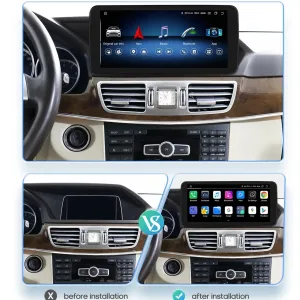
The upgrade keeps the display in the original dashboard area instead of using a universal 2DIN shape. The cabin still looks like a Mercedes E-Class, but the screen experience becomes wider and more current. iKAGOO checks the dashboard layout before shipment so the prepared version follows the correct W212 screen architecture.
Vehicle Interface Prepared Before Shipment
The matched wiring harness, LVDS cable, CANBUS route and accessory set reduce the chance of finding the wrong connector after international delivery. You are not expected to choose only by one product photo. iKAGOO uses your vehicle information and photos to prepare the correct version before packing.
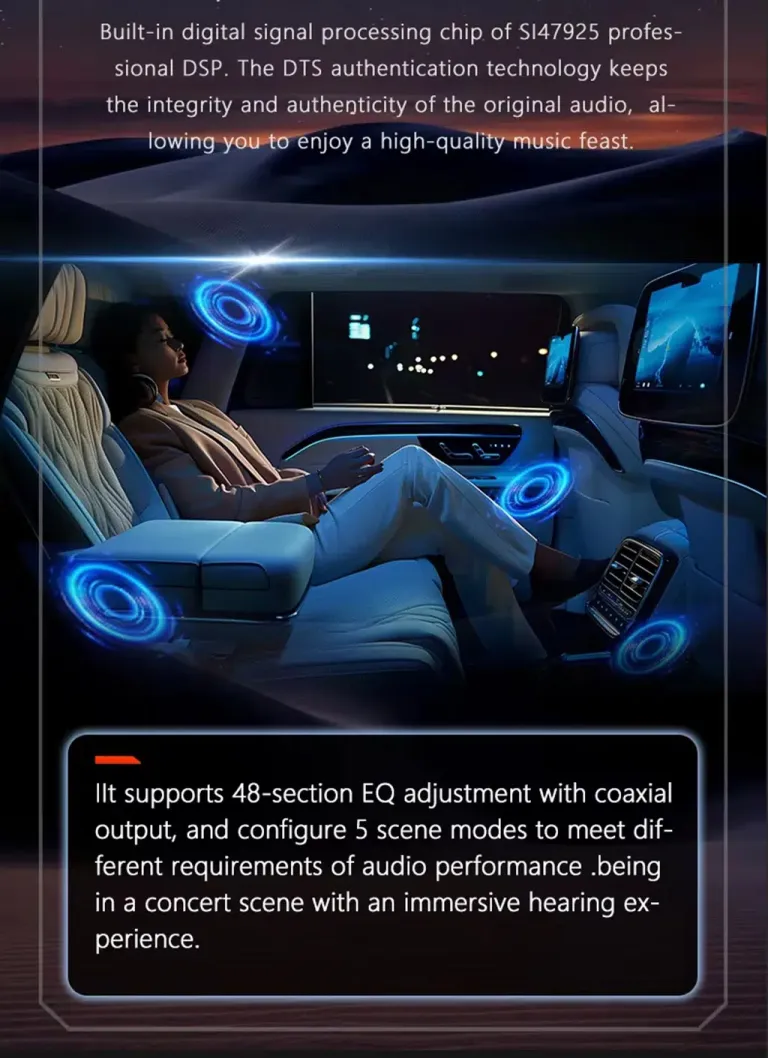
DSP Audio and Better Music Control
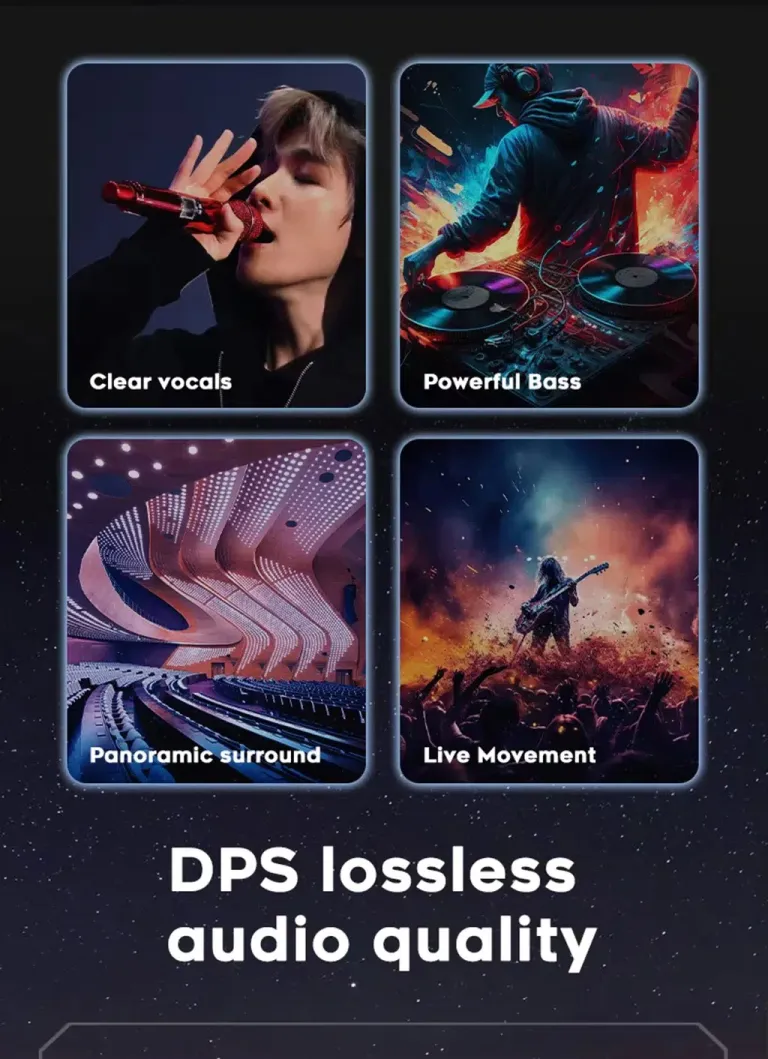
DSP audio tuning gives you more control over the listening experience than a basic screen replacement. Music, calls and navigation prompts can be adjusted more clearly. For long-distance E-Class use, this is a practical comfort upgrade rather than a cosmetic change only.
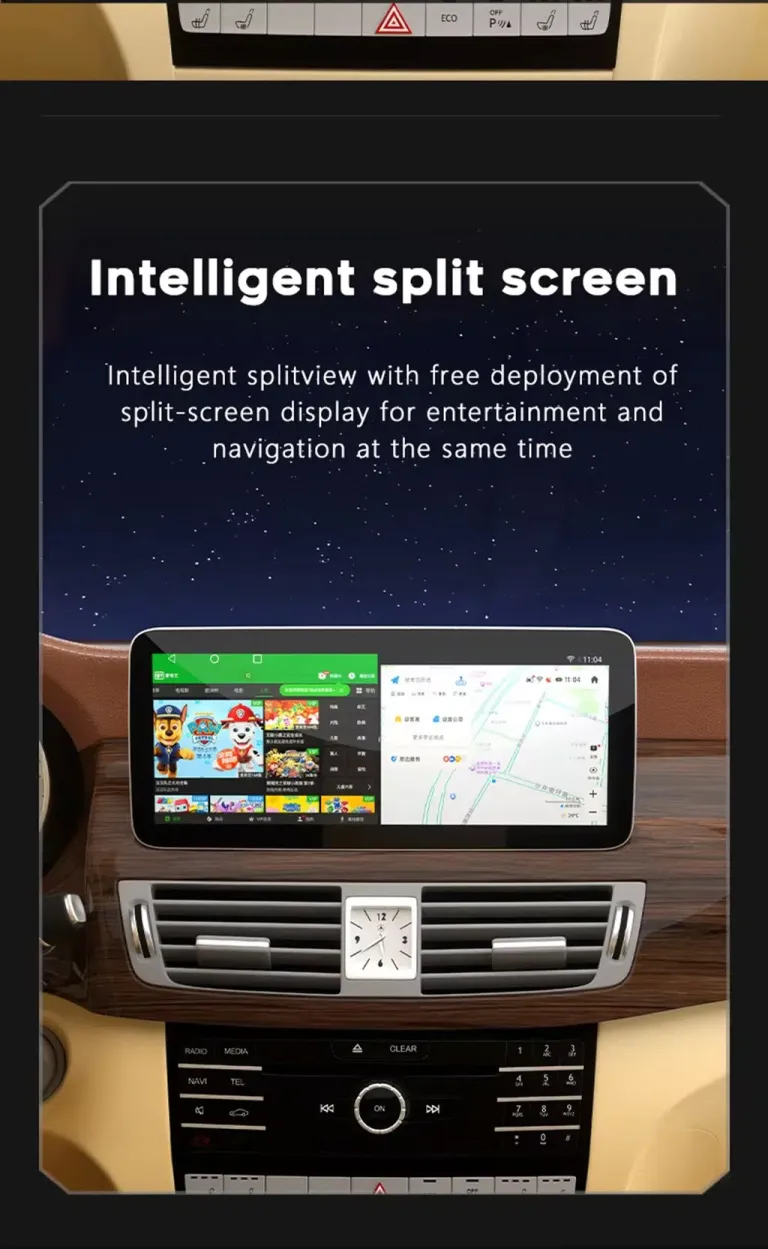
Navigation and Split-Screen Usability
The wide screen format makes navigation, music and app use easier to read at a glance. Split-screen use helps you keep a map visible while another function is active. This improves daily usability without forcing the cabin to lose its original premium layout.
Cleaner Installation Route
The intended installation route uses the matched vehicle harness and interface instead of intentionally cutting supported factory wiring. The installer still needs care, trim-removal experience and full function testing. This is why the product is classed as Level 3 — Advanced DIY, not a simple phone adapter.
Original Vehicle Functions Supported After Correct Matching
The correct W212 NTG5.0 version should be selected by system, dashboard and connector confirmation. Special factory audio systems, non-standard cameras or previous aftermarket modifications may require additional connection instructions.
أزرار التحكم الموجودة على عجلة القيادة
Original steering-wheel media controls are supported after correct connection and CANBUS configuration. This helps daily operation feel familiar instead of forcing every action through the touchscreen.
Factory Camera Route
The system is designed to work with reverse-camera input and the correct vehicle interface route. Camera display and parking-related behavior should be checked during installation before the dashboard is fully reassembled.
مسار الصوت في المصنع
The matched wiring route helps keep audio output stable through the vehicle audio system. Vehicles with special amplifier configurations should send photos and factory audio details before shipment.
Original System Access
The upgrade is designed around an Android interface while keeping the original vehicle system route available where supported by the matched configuration. This matters for W212 owners who still need access to vehicle settings and factory functions.
CANBUS Communication
The CANBUS interface helps the Android screen communicate with the W212 factory system. Correct CANBUS selection and function testing are part of the installation process.
No Intentional Wire Cutting
The intended route uses vehicle-specific harness connection. If an installer sees previous aftermarket wiring, damaged connectors or a mismatch, the correct action is to stop and contact iKAGOO before forcing the connection.
Choose the Screen and Memory Configuration That Matches Your Use
The W212 NTG5.0 Android car stereo is offered with different screen and memory choices. iKAGOO checks vehicle information before shipment so the selected hardware is prepared with the correct vehicle-side accessories.
Core Product Details
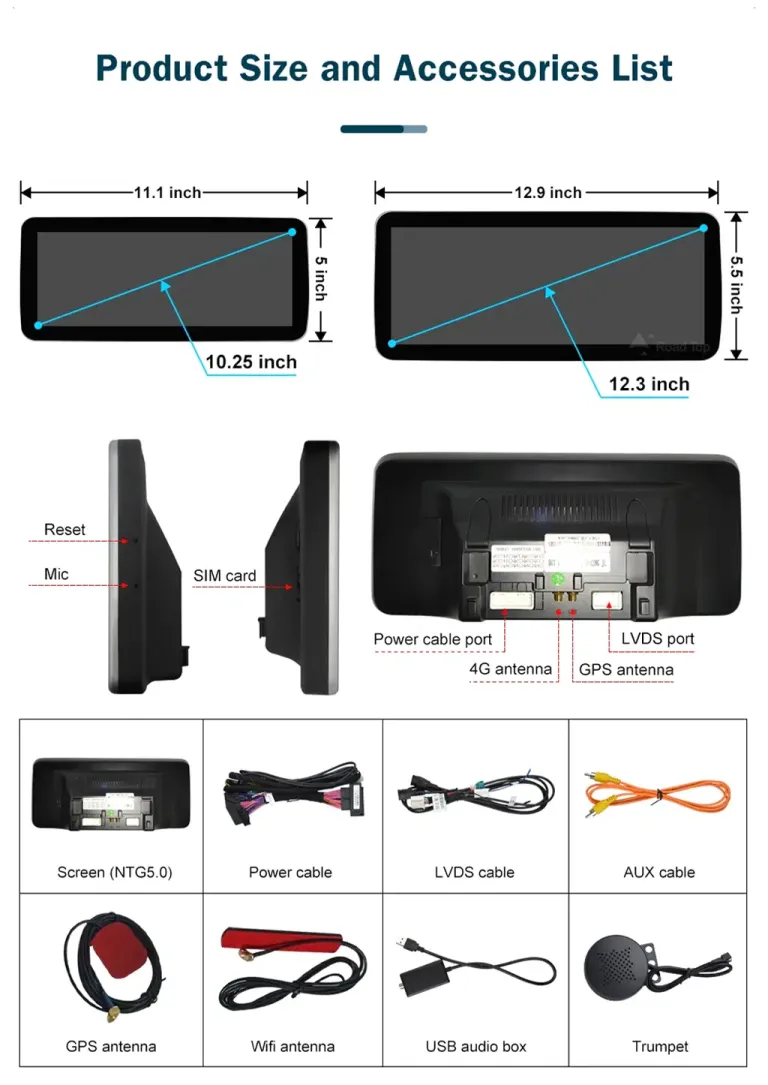
Product Size, Ports and Included Accessories
The accessory layout matters because this is not a universal tablet screen. Power cable, LVDS cable, GPS antenna, WiFi antenna, AUX cable, USB audio box and external speaker-related accessories help the unit connect cleanly with the vehicle. Checking these parts before installation reduces delays at the workshop. Keep every accessory visible until the installer finishes testing screen, audio, camera and steering-wheel functions.
Three Checks Before You Buy
These iKAGOO standards help you understand upgrade value, factory-function retention and the right installation path before ordering.
ضرورة الترقية
This result means the upgrade delivers clear daily-use value, not only a newer screen appearance.
- Wireless CarPlay and Android Auto solve the main modern connectivity gap in many 2015–2016 W212 cabins.
- The wider screen improves navigation, music control and passenger usability.
- The vehicle-specific route is more complete than adding only a basic CarPlay module.
- DSP audio, WiFi, Bluetooth and 4G support increase long-term ownership value.
التوافق مع الطرازات الأصلية للسيارات
A score of 90/100 does not mean that 10% of factory functions are lost. It describes the upgrade route, factory-control retention and vehicle-specific matching.
- Factory Function Continuity 25%: original system route and camera-related display are considered in the match.
- Original Control Continuity 15%: steering-wheel controls are supported after correct setup.
- Vehicle Data & Warning Integration 20%: CANBUS matching is required for stable communication.
- Physical Architecture Match 15%: W212 dashboard layout and screen area are checked before shipment.
- Installation & Hardware Integration 10%: harness, LVDS and accessory route reduce wrong-connection risk.
Installation Ease Level
This level fits an experienced DIY installer or an automotive electronics installer who can remove trim carefully, connect the matched harness and complete full function testing.
- Requires careful dashboard trim removal and screen replacement work.
- Requires matched power, LVDS, GPS, USB and CANBUS-related connections.
- Requires testing steering-wheel controls, audio, camera display and system switching before final assembly.
- No intentional cutting of supported factory wiring is part of the intended installation route.
Interface, Connectivity and Daily-Use Visuals
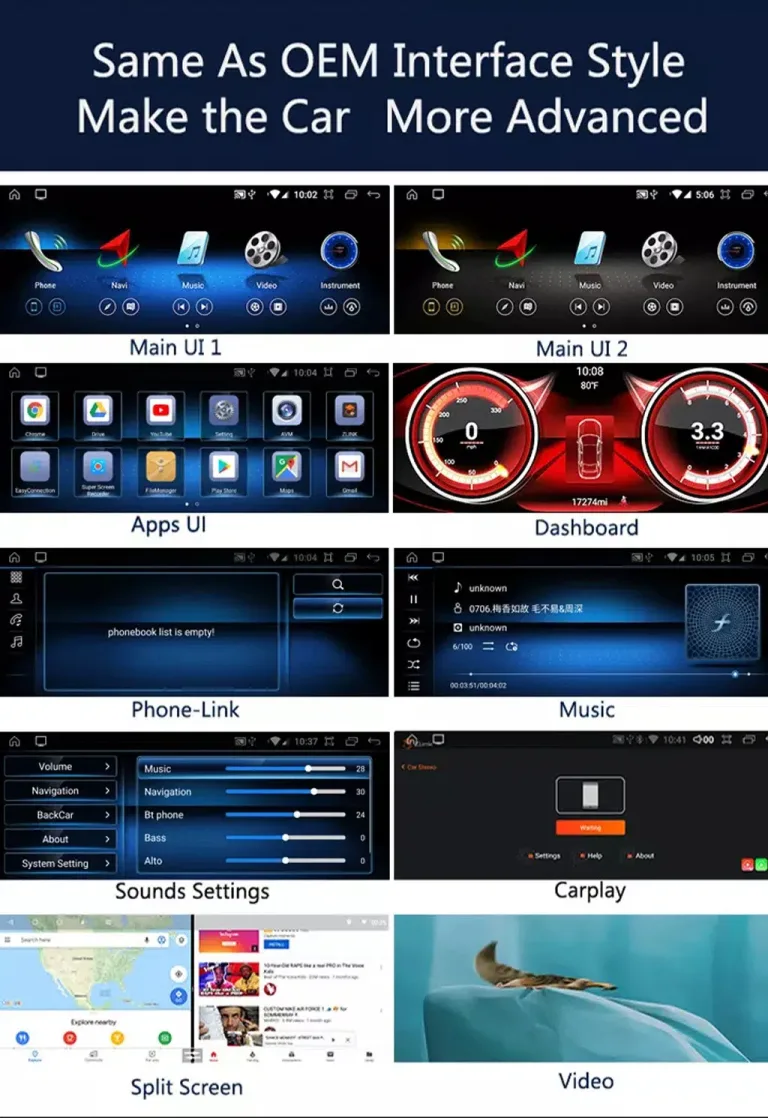
These screen visuals explain how the upgrade changes daily operation. Your final configuration is still prepared according to your W212 NTG5.0 vehicle details before shipment.
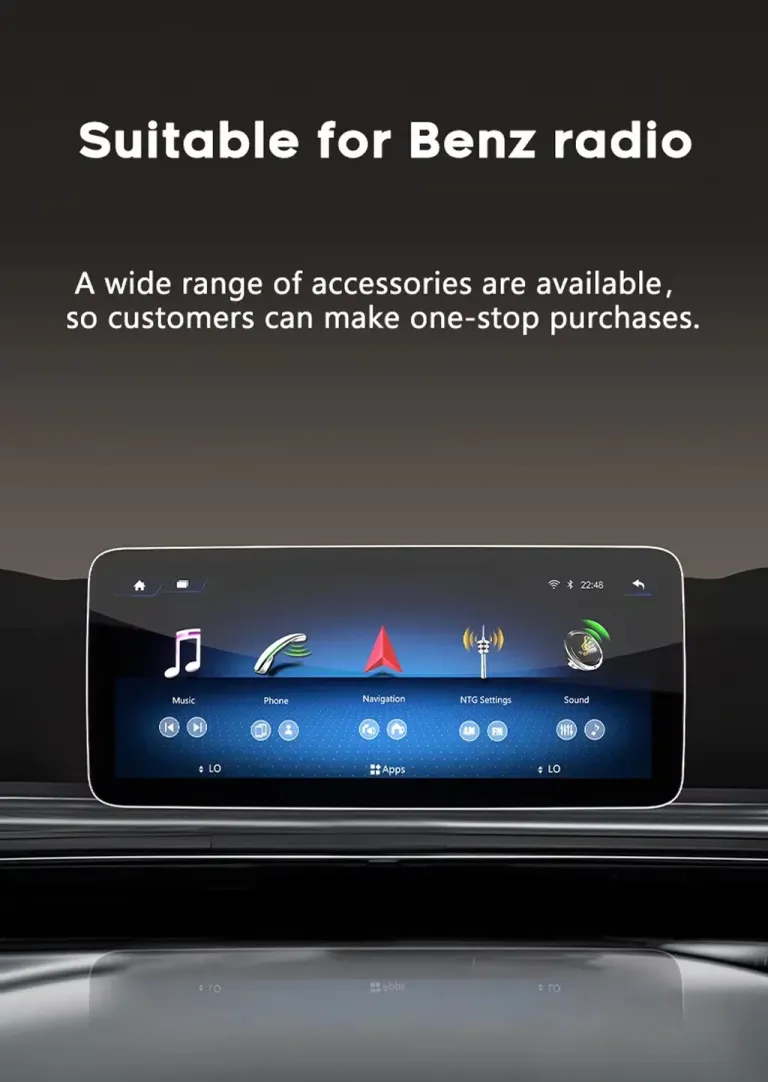
OEM-Style Interface for a Familiar Cabin Feel
The interface is designed to feel close to the original Mercedes direction instead of looking like a random universal screen. Familiar menu areas make the upgrade easier to accept for daily driving. You get a more modern screen without making the dashboard feel disconnected from the rest of the cabin. This helps keep the car suitable for long-term ownership.
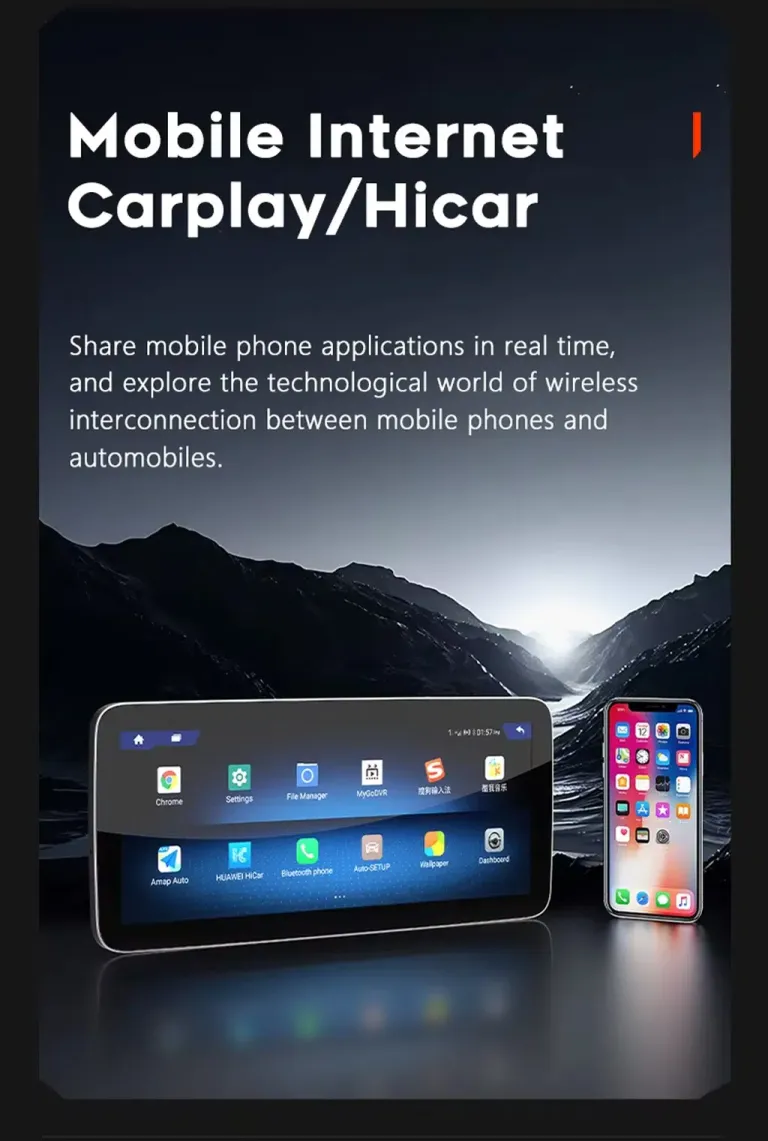
Wireless Phone Connection for Modern Use
CarPlay and Android Auto make the biggest difference when you use navigation, calls, podcasts and music every day. The screen becomes an extension of the phone experience instead of a dated factory-only interface. Family members can also use familiar apps more easily during trips. This is one of the strongest reasons to upgrade a W212 NTG5.0 vehicle.
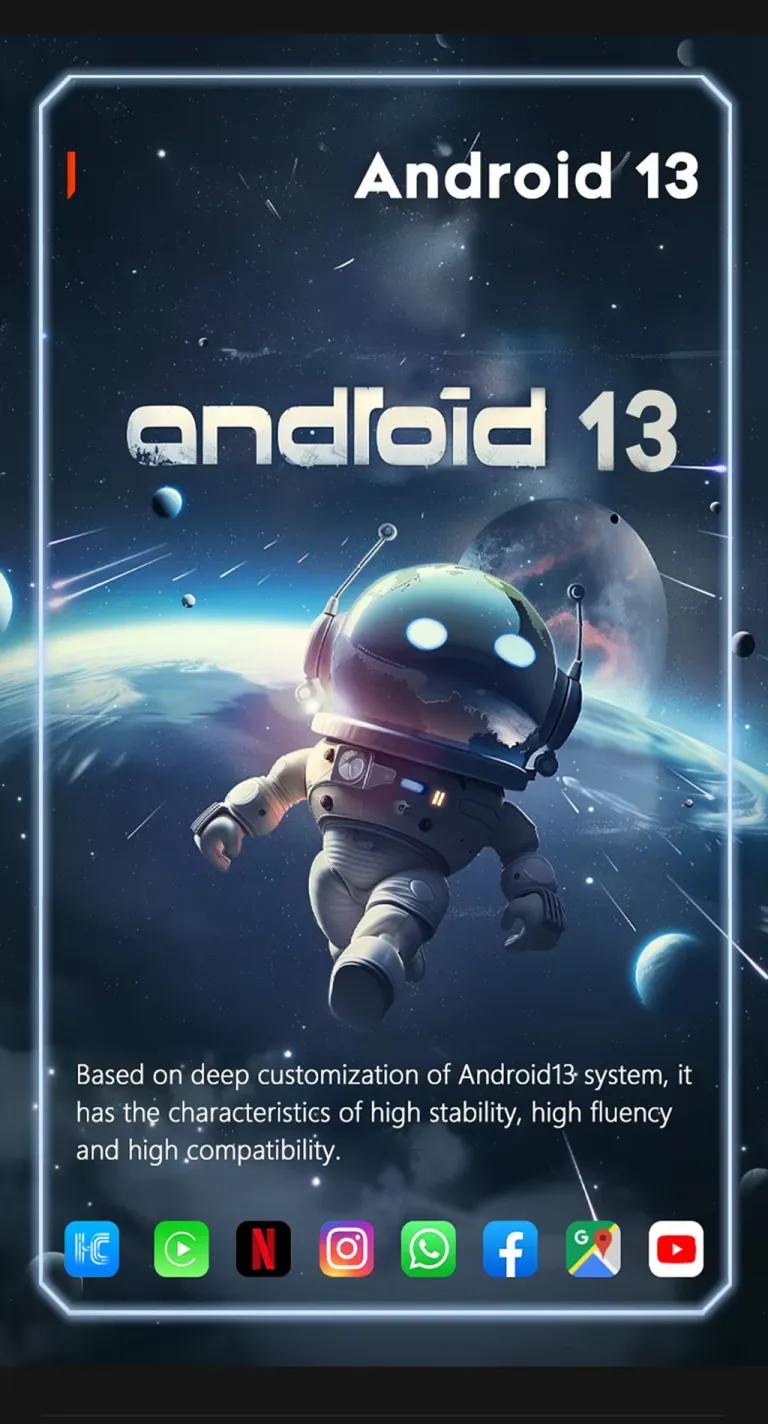
Android System Platform for App-Based Driving
The Android platform allows a broader app-based driving experience than the original factory screen. Navigation, media, Bluetooth and online functions become easier to access. The real value is convenience: fewer outdated menus and more usable functions on one wider display. iKAGOO still prepares the hardware according to the confirmed vehicle system.
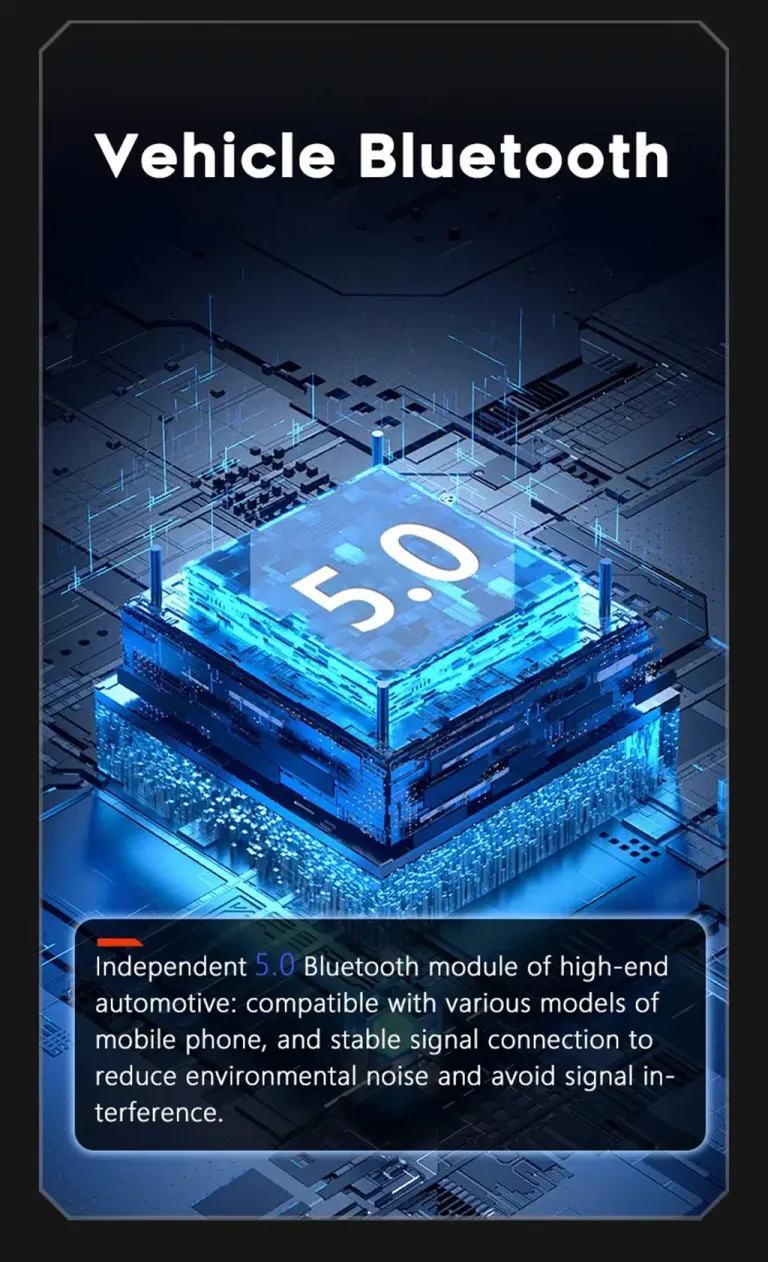
Bluetooth 5.0 for Clearer Phone and Music Use
Bluetooth support improves the basic phone and audio experience when you do not want to connect a cable. Clearer calling and stable music playback matter in a quiet E-Class cabin. This is especially useful for daily commuting and longer highway driving. The installer should test calling, microphone input and music playback before final dashboard assembly.
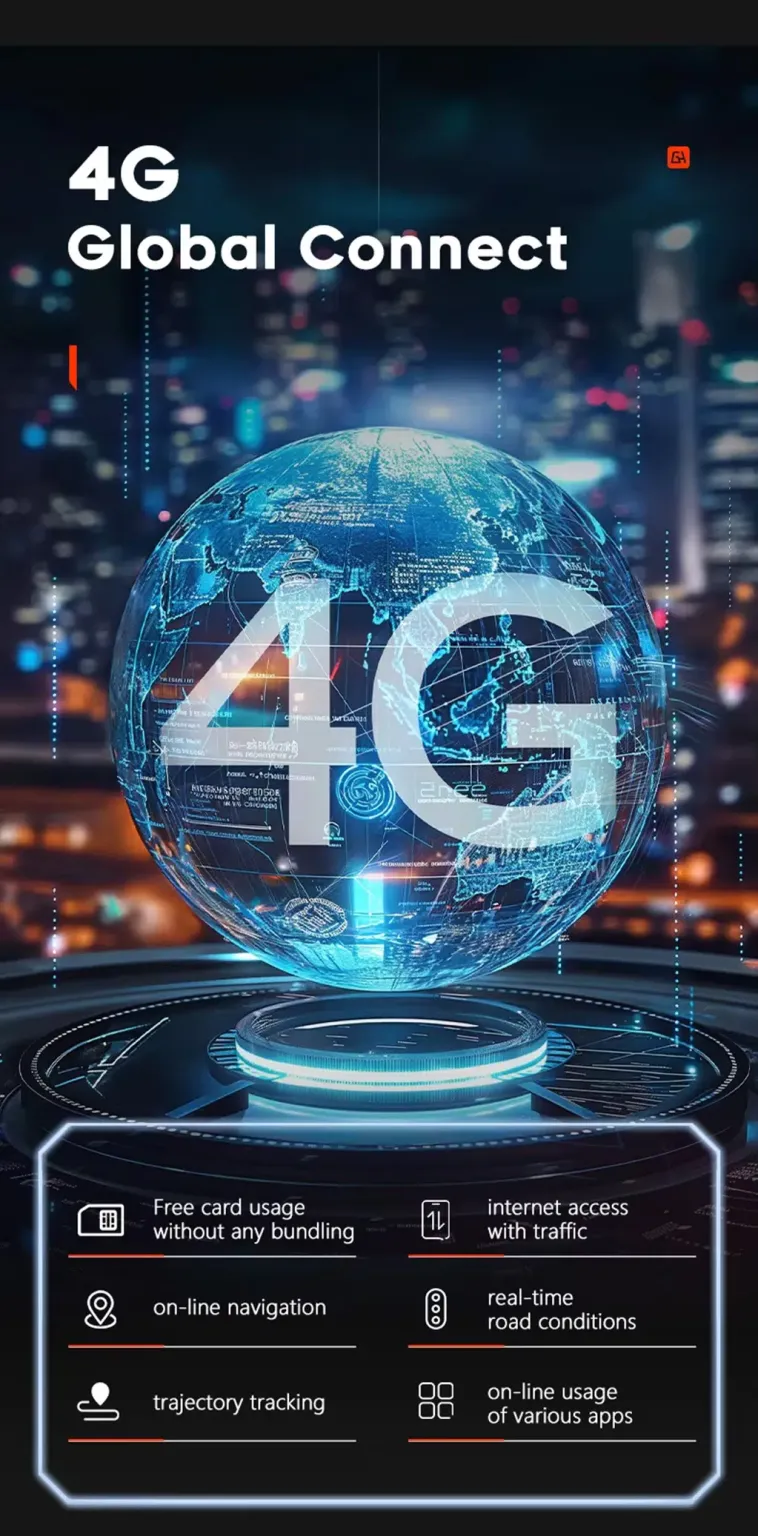
4G Connectivity for Online Navigation and Apps
4G support gives the screen a more independent online route when a compatible SIM and local network are used. Online navigation, traffic information and app use become more practical on road trips. This reduces dependence on old factory navigation data. Network performance depends on local carrier coverage and the selected hardware configuration.
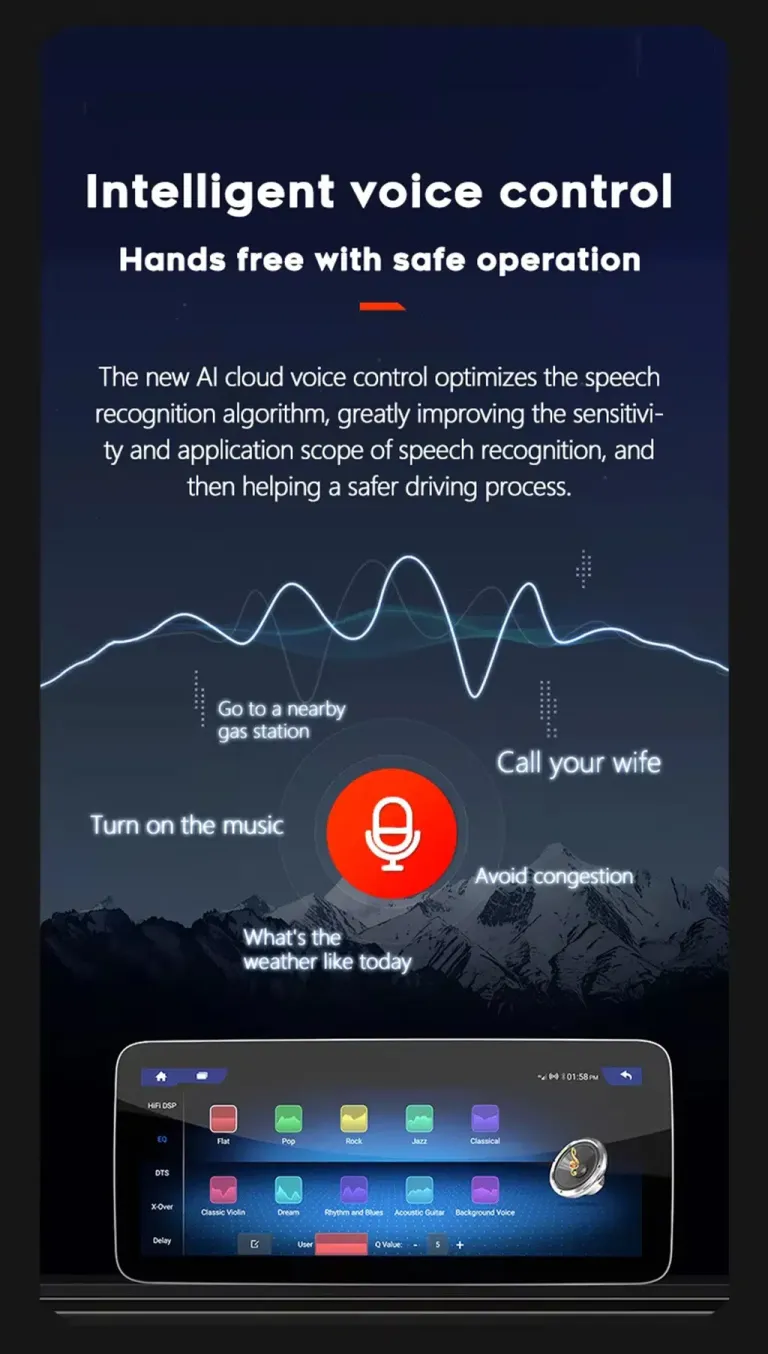
Voice Control for Safer Interaction
Voice control helps reduce screen tapping while driving. You can use supported voice commands for navigation, calls or music control through the connected phone or supported app environment. The benefit is not gimmick behavior; it is keeping your attention closer to the road. Voice performance depends on microphone placement, app support and cabin noise.
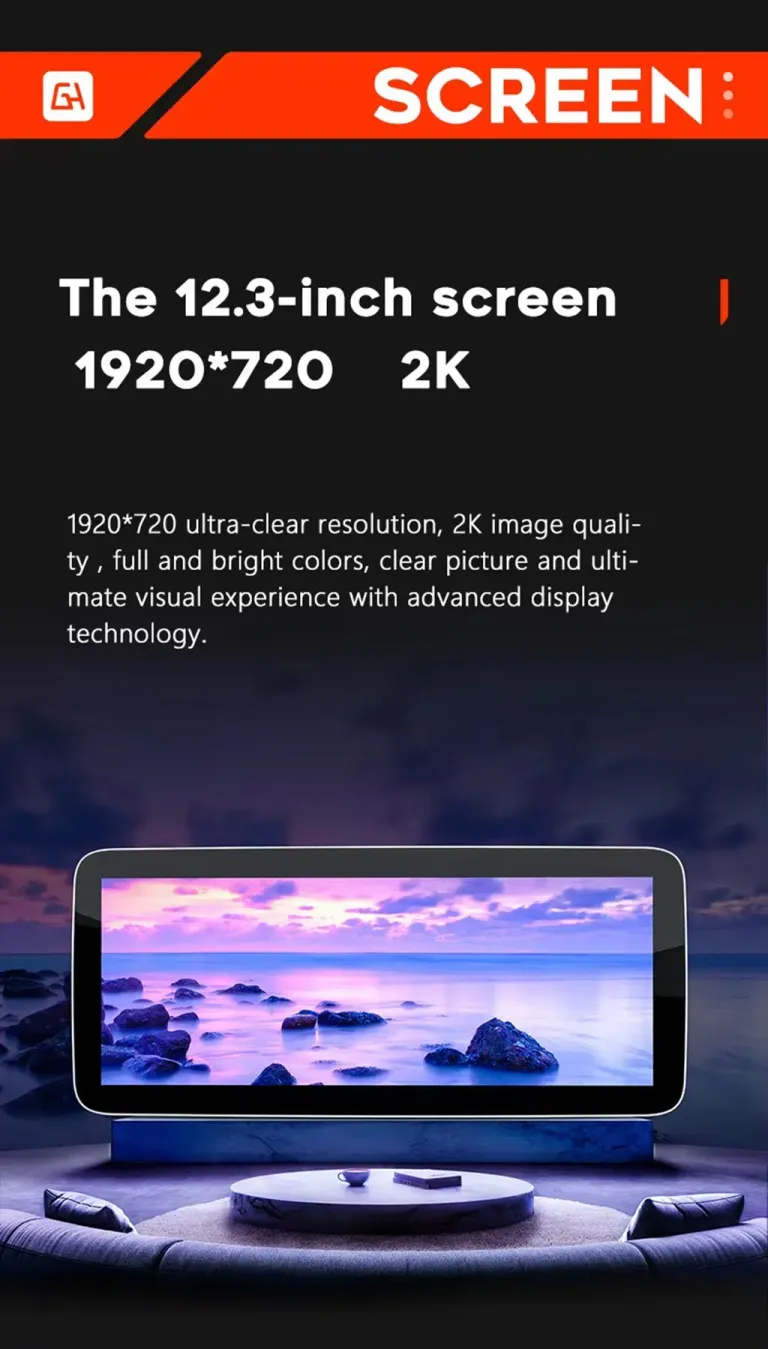
12.3-Inch Wide Screen Option
The 12.3-inch option gives the dashboard a stronger modern visual effect. Maps, media lists and split-screen layouts are easier to read than on the older factory display. For buyers who want the most noticeable cabin update, this is usually the more attractive option. Confirm the dashboard version before shipment so the correct screen route is prepared.
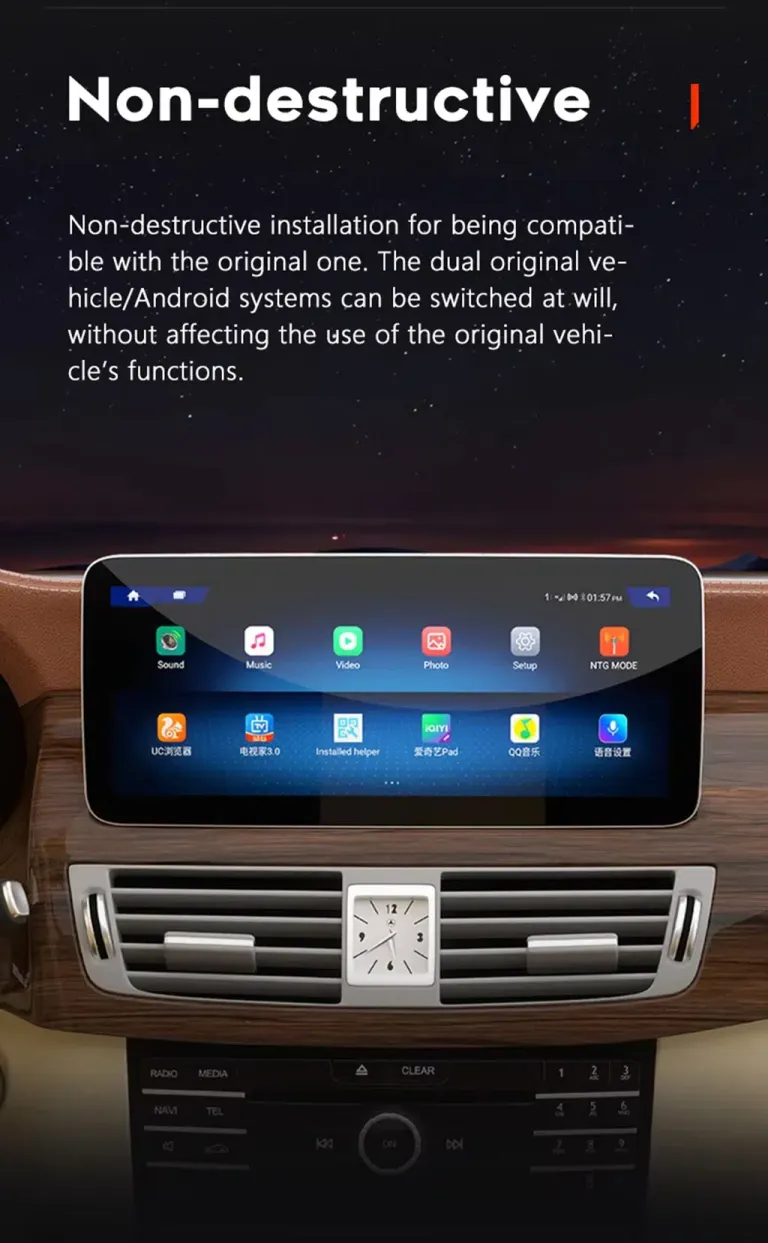
Non-Destructive Upgrade Route
The intended route keeps the upgrade reversible by using matched wiring rather than intentionally cutting supported factory wiring. This is important for a Mercedes E-Class because messy wiring can create later service problems. A clean connection route also makes troubleshooting easier if an installer needs support. Stop installation and contact iKAGOO if any connector does not match.
DSP Audio Tuning for a More Comfortable Cabin
DSP tuning helps adjust the sound profile for music, calls and navigation prompts. The E-Class cabin is quiet enough that poor audio tuning is easy to notice. A better audio route makes the upgrade feel more premium rather than only visual. Test sound output, balance, bass and call audio before final installation is finished.
More Detailed Audio Adjustment
Advanced equalizer and DSP options let you tune the sound for different music styles and cabin preferences. This matters when you want the Android upgrade to feel refined rather than cheap. The installer should confirm all speakers, phone calls and media output after connection. If a vehicle has a special factory amplifier, send details before shipment.
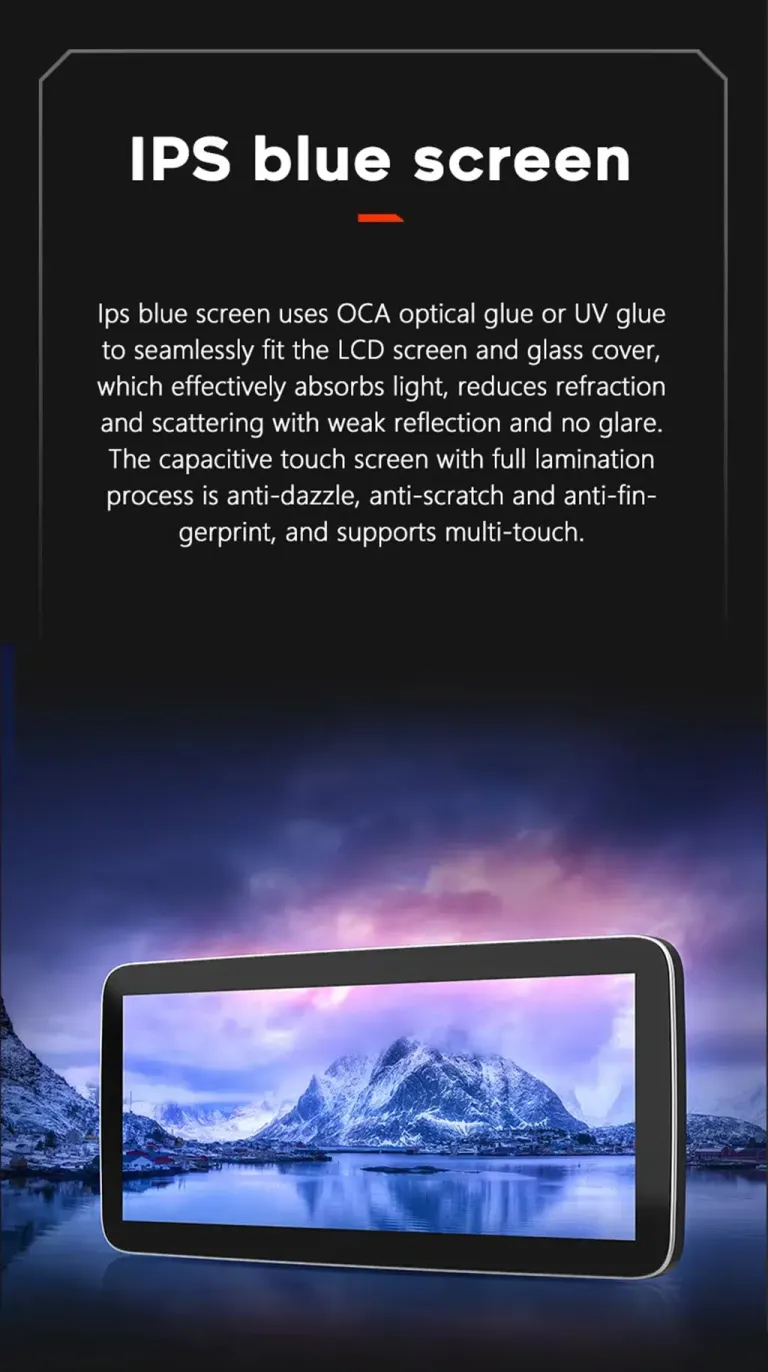
IPS Display for Clearer Viewing
A clearer screen improves daily navigation and camera viewing. Good viewing quality matters in sunlight, night driving and quick map checks. The wider display also helps passengers read route information more comfortably. Keep brightness and display settings adjusted after installation for the best cabin match.
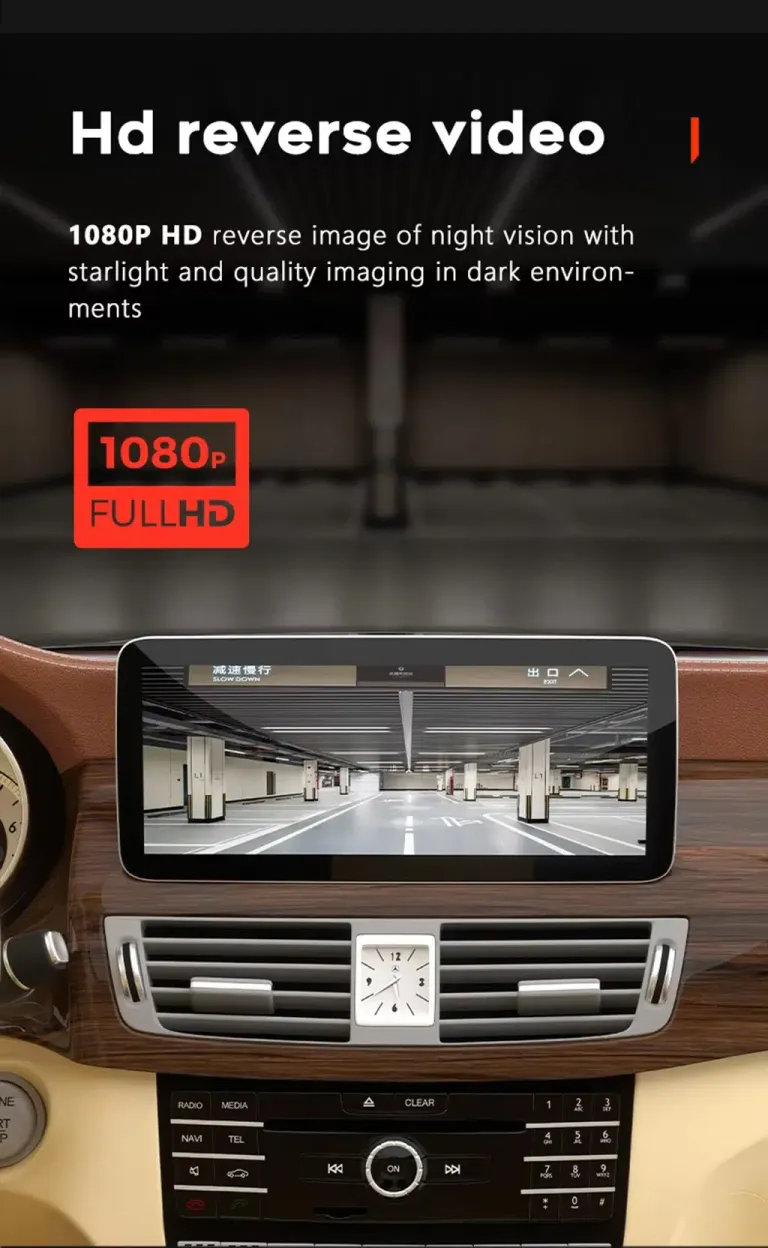
Camera and Parking Expansion Support
The platform supports reverse-camera input and selected camera expansion routes depending on configuration. For W212 owners, the practical benefit is safer low-speed parking and clearer reverse viewing. Factory and aftermarket camera behavior should be confirmed before shipment and tested during installation. Do not finish reassembly until camera image, guidelines and trigger behavior work correctly.
Split-Screen Navigation and Media
Split-screen use lets you keep navigation visible while using music or other supported functions. This makes the screen more useful during real driving, not only while parked. It reduces the need to switch back and forth between apps. The wide screen format is the reason this upgrade feels more practical than a small factory display.
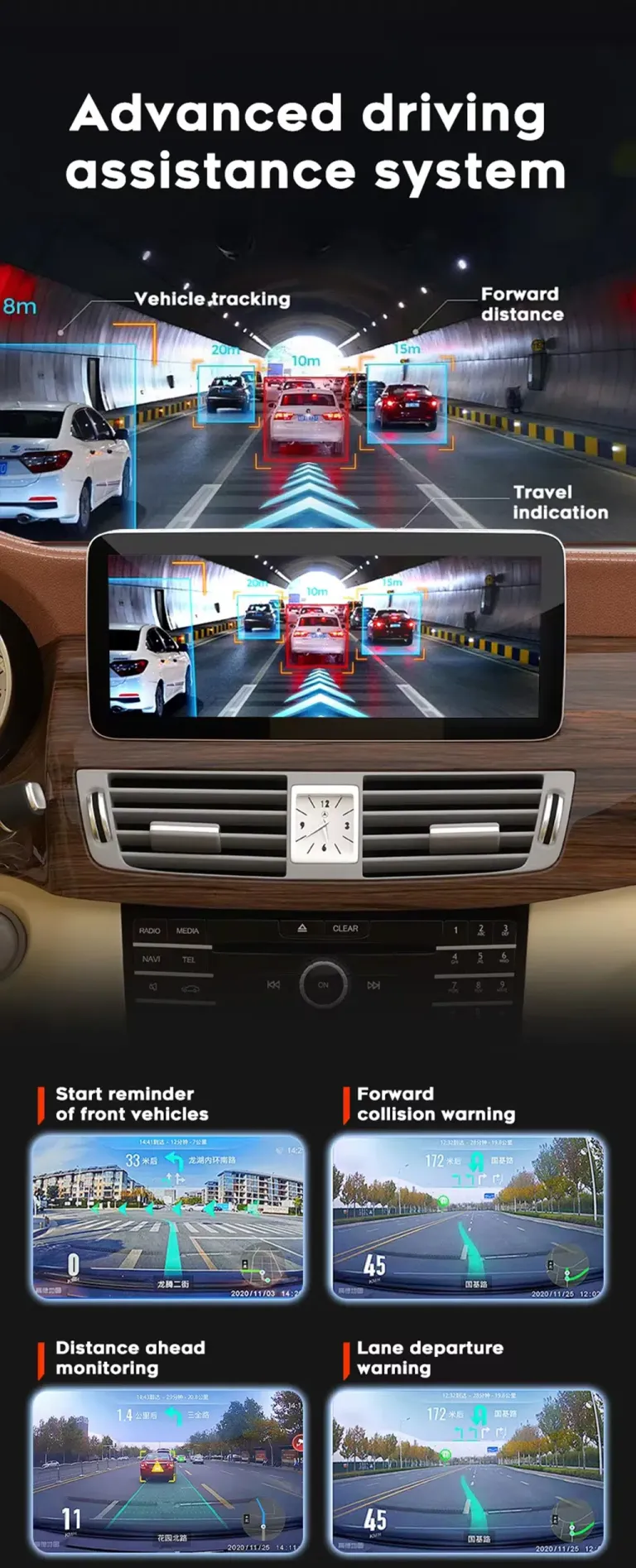
Driving Assistance Display Compatibility Route
Camera and driving-assistance display examples show why correct signal routing matters. The screen can only display what the selected configuration and vehicle-side inputs support. For this W212 order, send your camera and system details so iKAGOO can prepare the correct connection route. This reduces the chance of discovering a missing cable or setting issue during installation.
Vehicle Screen Platform Reference
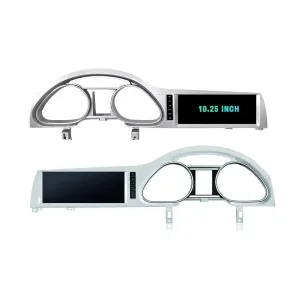
Different Mercedes dashboards use different screen shapes, mounting positions and connector routes. Your W212 NTG5.0 order is prepared according to the W212 dashboard, not only the badge name. These platform examples explain why iKAGOO asks for vehicle photos before shipment. Correct matching matters more than simply choosing a screen size.
Fitment Depends on Dashboard Architecture
Mercedes model names can look similar while the dashboard and factory screen structure are different. The W212 NTG5.0 product should not be selected by appearance alone. iKAGOO checks photos and system details to reduce wrong-version risk. This is especially important for buyers comparing W212, C-Class, GLC or other Mercedes screen listings.
Older Screen Layouts Need Different Versions
Older Mercedes dashboards may require a different screen route, even when the screen size looks similar. A correct W212 NTG5.0 order should be matched by year, original system and connector configuration. This is why iKAGOO does not rely only on a model name. Sending vehicle photos before shipment protects both the buyer and the installer.
Different Mercedes Cabins Require Different Hardware Routes
The same Android screen family can appear across different Mercedes vehicles, but the correct hardware route changes by generation and dashboard structure. Your product page is for the 2015–2016 W212 NTG5.0 E-Class route. If your car is CLS, S-Class, C-Class or another model, do not assume this W212 page is automatically correct. Contact iKAGOO with photos and the original system screen before ordering.
Correct Version Matching Is the Real Value
A cheaper generic listing may look similar, but the expensive problem is receiving the wrong screen, wrong cable or wrong system version. iKAGOO focuses on matching the order before shipment.
Vehicle Photos Before Shipment
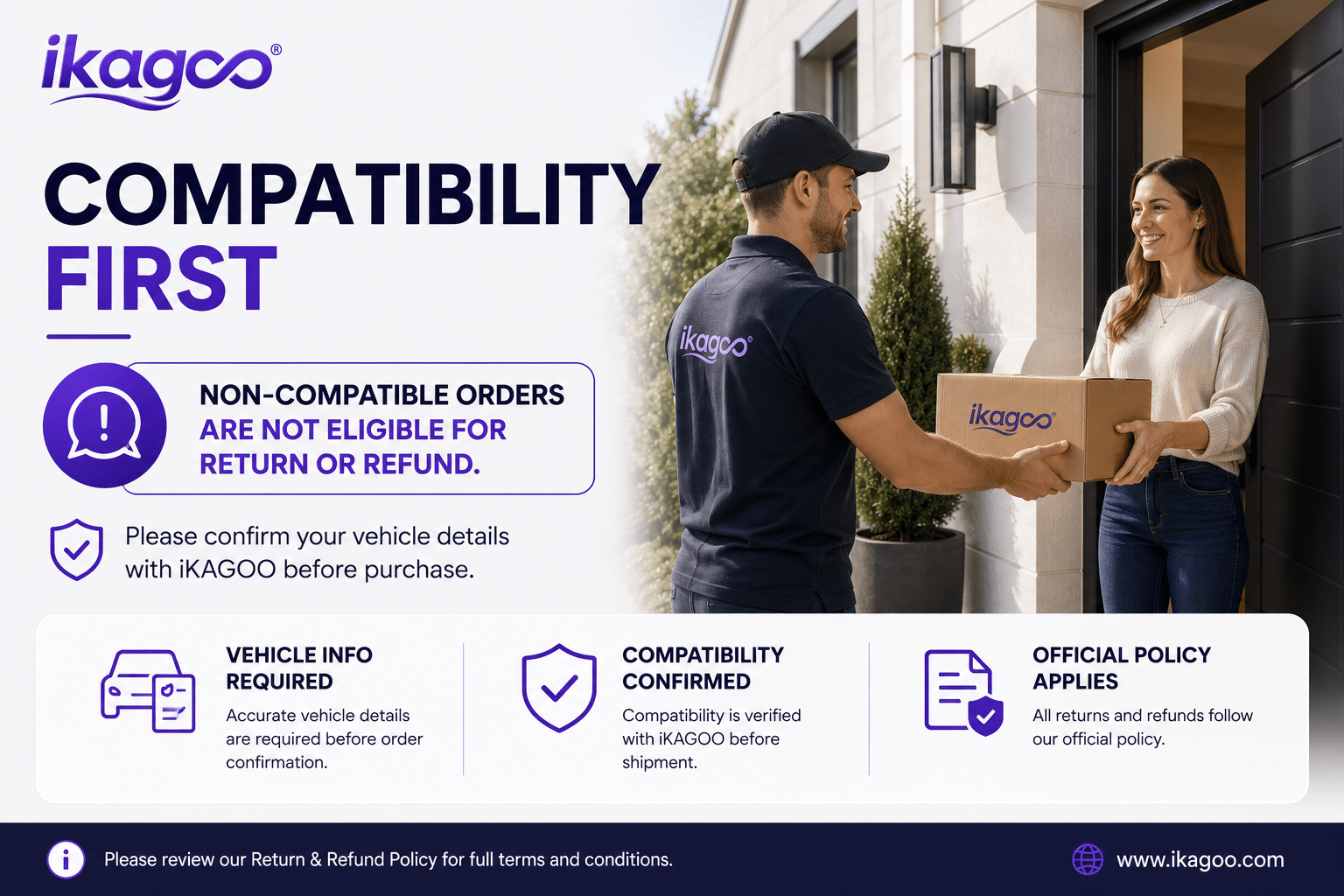
iKAGOO may ask for the original dashboard, factory system screen, radio area, LHD/RHD position and connector photos. These details help confirm whether the vehicle is truly a 2015–2016 W212 NTG5.0 match.
تحضير الكابلات والواجهات
The screen, harness, LVDS route, GPS, USB and CANBUS-related accessories are prepared according to the confirmed vehicle information. This reduces wrong-version risk before the product leaves the warehouse.
Installation Support After Payment
If your installer meets a cable, camera, audio or CANBUS setting issue, iKAGOO requests photos and videos instead of guessing. Useful evidence can be escalated to the relevant technical route when needed.
ماذا يحدث بعد تقديم طلبك؟
This is the workflow iKAGOO uses to reduce wrong-version risk and support the installation path after checkout.
Secure Checkout and Order Record
Your website order creates the support record. The order number is used later for vehicle review, shipping, warranty and technical communication.
مراجعة معلومات المركبة
iKAGOO checks or reconfirms the vehicle year, NTG5.0 system, dashboard layout, LHD/RHD position, original screen photos and connector details when needed.
Correct Version Preparation
The correct screen, harness, CANBUS-related interface and accessory route are prepared according to your vehicle information, not only the model name.
Actual Product Photos When Requested
If requested before packing, you may ask to see the prepared product, visible accessories or related parts before dispatch.
Packing and Dispatch
After matching and preparation, the product is packed and dispatched. Dispatch time can vary with configuration, matching work and stock status.
Tracking Follow-Up
Tracking is added after dispatch. Some DDP routes may show different international and local carrier tracking stages after customs handover.
Installation and Configuration Support
If installation questions appear, send photos, videos, wiring details, system version and the exact symptom so iKAGOO can support the issue accurately.
Engineer Escalation When Needed
If the issue is not a basic setting problem, useful evidence can be organized for the relevant technical route. This avoids random trial-and-error advice.
Software, Settings or Firmware Route
When a confirmed issue requires settings guidance, software handling or a firmware-related route, iKAGOO coordinates the next technical step after confirmation.
Cable or Accessory Issue Handling
If a required cable or accessory is missing or incorrect, contact iKAGOO first. Approved replacement or local purchase handling must be confirmed before action.
Confirmed Hardware Incompatibility
If correct vehicle information was provided and no reasonable cable, software or accessory solution remains after checks, iKAGOO provides a clear product-level handling route.
After the Product Is Working
After successful installation, you can still contact iKAGOO for suitable update, activation, troubleshooting or maintenance guidance tied to the original order.
Why This Route Beats a Basic CarPlay-Only Fix
The right option depends on what you want to change in the car. For most 2015–2016 W212 NTG5.0 owners, the Android screen route gives a more complete cabin upgrade.
iKAGOO Mercedes W212 Android Car Stereo
Best for buyers who want a wider screen, CarPlay, Android Auto, app navigation, DSP audio and a vehicle-specific installation route. This is the most complete upgrade path for daily use.
CarPlay-Only Interface Module
Useful if you only want phone projection and do not need a new screen experience. It does not deliver the same visual cabin change or Android app platform.
Used Factory Screen or Repair
Useful if you only want to restore the original system. It does not solve the outdated navigation, app and smartphone integration gap that many W212 owners now feel.
Mercedes W212 Android Car Stereo FAQ
These questions focus on the issues W212 NTG5.0 buyers usually need to confirm before ordering and installing.
Will this fit my exact 2015–2016 W212?
It depends. This page is for 2015–2016 Mercedes-Benz E-Class W212 vehicles with the NTG5.0 factory system. Send your dashboard, original system screen and connector photos before shipment so iKAGOO can confirm the correct version.
Will original steering-wheel controls still work?
Yes, after the correct harness and CANBUS configuration are used. Steering-wheel controls should be tested before final dashboard reassembly.
Will the factory camera or parking display continue to work?
It depends on the factory camera route and vehicle configuration. The unit supports camera input and vehicle interface matching, but your factory camera details should be confirmed before shipment.
Does it support Apple CarPlay and Android Auto?
Yes. The product supports Wireless CarPlay and Android Auto, giving you a more modern way to use navigation, calls and music in the W212 cabin.
Do I need to cut factory wiring?
No, not as part of the intended installation route. The product is designed around a matched wiring harness, but installation should stop if a connector does not match or if previous aftermarket wiring is found.
Is this suitable for DIY installation?
It depends on your experience. The iKAGOO Installation Ease Level is Level 3 — Advanced DIY, which is suitable for experienced DIY installers or automotive electronics installers.
ما الذي يجب أن أرسله قبل الشحن؟
Send the model year, LHD/RHD position, dashboard photo, original screen photo, NTG system screen, connector photos and any special factory audio or camera details. These details help reduce wrong-version risk.
What if my vehicle has a special factory audio system?
It depends. Special amplifier systems or previous audio modifications may require extra connection guidance. Send photos and factory audio details before shipment so iKAGOO can review the route.
Can I ask for actual product photos before packing?
Yes, if requested before packing. iKAGOO can provide visible product or accessory photos when the order is still in preparation.
What if tracking does not update clearly?
It depends on the shipping route. International and local carrier tracking may update at different stages, especially after customs handover. Contact iKAGOO with your order number for follow-up.
What if my installer finds a cable or setting issue?
Contact iKAGOO before forcing the connection. Send clear photos, videos and the exact symptom so the support route can check wiring, CANBUS, camera, audio or software settings.
Why buy from iKAGOO instead of a cheaper generic unit?
Because the wrong W212 NTG version, cable or interface can waste more money than the screen price difference. iKAGOO checks vehicle details and prepares the correct version before shipment.
Clear Support Boundaries Before You Buy
iKAGOO supports correct matching, installation guidance and product-level after-sales handling. International vehicle electronics still require proper vehicle information and careful installation.
الشحن
Orders are shipped with tracking after matching and preparation. Delivery time can vary by destination, customs, carrier handover and vehicle-specific preparation needs.
12-Month ضمان الأجهزة
Hardware defects are covered under the iKAGOO warranty route. Damage from misuse, forced connection, incorrect installation or unsupported modification is not treated as a normal hardware defect.
Useful Support Evidence
For fast support, provide order number, vehicle photos, wiring photos, video of the issue, software version and the exact function that fails. Clear evidence leads to better support.
Ready to Upgrade Your W212 NTG5.0 Screen?
Choose the Mercedes W212 Android Car Stereo if you want a more modern screen, wireless phone connection, better navigation usability and iKAGOO vehicle matching before shipment. Send your dashboard and original system photos if you are unsure about fitment.


Rafael Moreira -
Chegou bem embalado, chicotes identificados para W212 e guia claro. Pareou CarPlay na primeira tentativa, microfone com voz nítida nas chamadas. Pedi orientação sobre configuração CAN e recebi passos objetivos. O sistema se mantém estável no dia a dia, sem ruídos no painel, e a construção passa confiança