
















دليل تركيب جهاز الاستريو للسيارة Audi Q5 بنظام أندرويد
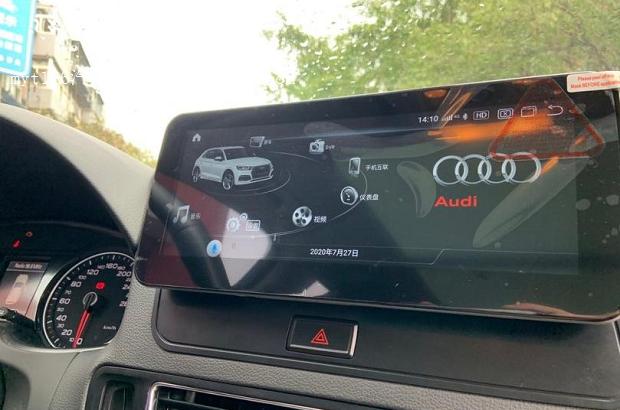
Audi Q5 Android head unit upgrades are one of the most practical ways to modernize daily navigation and add تطبيق CarPlay اللاسلكي without living on a phone mount.
If you drive to places you don’t visit often, you’ve probably noticed that routes and traffic patterns can change fast. On many first-generation Audi Q5 setups, the factory navigation experience feels dated: map updates are not truly dynamic, updates can be inconvenient, and real-time traffic guidance is limited compared to modern phone-based navigation.
That’s why many owners default to a “phone mount + smartphone navigation” setup. It works, but the real-world drawbacks show up quickly: the screen is small, the phone can move or fall on rough roads, and a poorly positioned mount can block the driver’s view. More importantly, accessories placed in the wrong area can create risk around airbag deployment zones. After weighing the pros and cons, an Audi Q5 head unit upgrade with Android and wireless CarPlay is a clean, long-term solution.
Where to Buy (Reference Only)
Why Upgrade to an Android Head Unit + Wireless CarPlay?
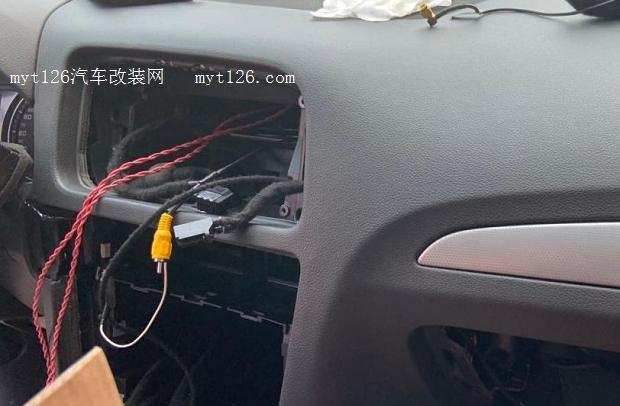
A properly installed Audi Q5 Android navigation screen gives you a larger, easier-to-read display for maps, better in-car ergonomics, and a cleaner daily workflow. Wireless CarPlay also avoids the “plug in every time” routine, while keeping the experience tied to your phone’s ecosystem (apps, music, maps, and messages).
Screen Design and Hardware Choice
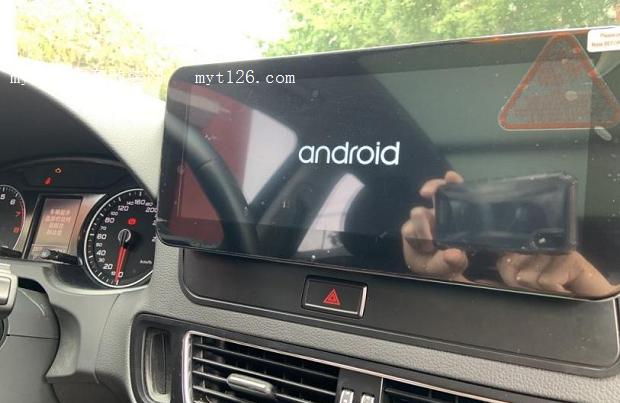
This setup uses a 10.25-inch display with rounded corners, which blends better with the first-generation Q5 dashboard than sharp-edged screens. For many owners, that OEM-like appearance matters—if the screen looks like an aftermarket tablet, it can feel out of place even when it works well.
On the hardware side, the unit is based on a Qualcomm Snapdragon 625 platform with 4 جيجابايت رام + 64 جيجابايت تخزين. That specification may sound average in 2025 smartphone terms, but it remains well-balanced for a car environment where the priorities are stable boot behavior, consistent navigation performance, and reliable wireless connectivity. Realistically, a car head unit is not a gaming device, and stability is more important than chasing flagship specs.
المنصة: Qualcomm Snapdragon 625
Storage: 4GB RAM + 64GB ROM (ample for maps, media, and CarPlay)
CarPlay: True wireless CarPlay (native protocol, not basic screen mirroring)
Installation Experience
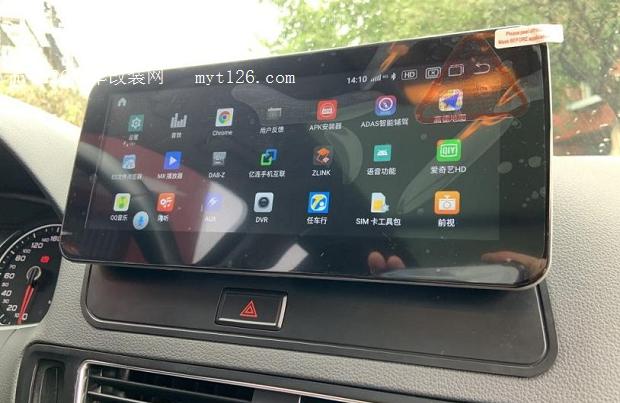
Installation of this Audi Q5 Android head unit is relatively straightforward. After removing the center air vents, climate control panel, and the factory unit, the wiring is largely plug-and-play. If a reverse camera control wire is not required, there is usually no need to cut or modify factory wiring.
In a shop familiar with Audi interiors, this Audi Q5 Android stereo installation typically takes 1–2 hours. The biggest variable is your original configuration (MMI version, factory amplifier, and CAN Bus interface).
First Power-Up
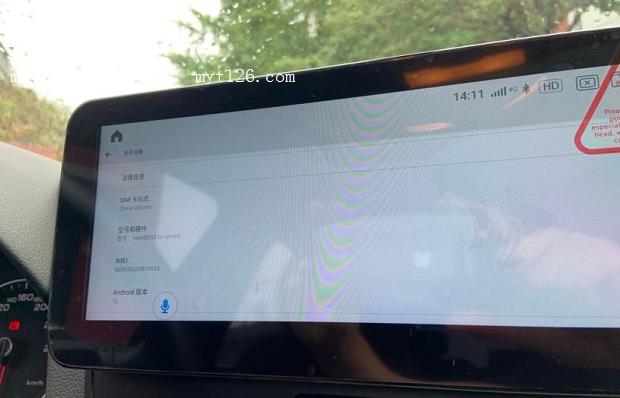
Once installed, the unit powers on normally with the vehicle. The interface behaves like a typical Android tablet, so most users can navigate settings, Wi-Fi, Bluetooth, and app layout without much learning curve.
System Info and Performance
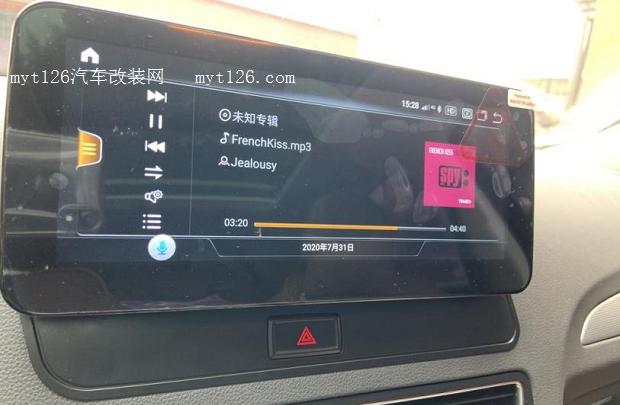
Performance is smooth for typical driving tasks—maps, music, and switching between Android and CarPlay. While Snapdragon 625 is not a flagship chip, it is a mature platform that tends to deliver stable behavior in head units. If you keep your app list reasonable and avoid loading the system with unnecessary background apps, day-to-day responsiveness stays consistent.
Android Navigation and Connectivity
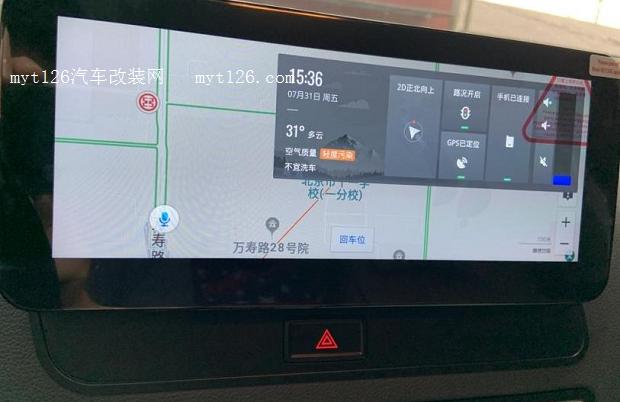
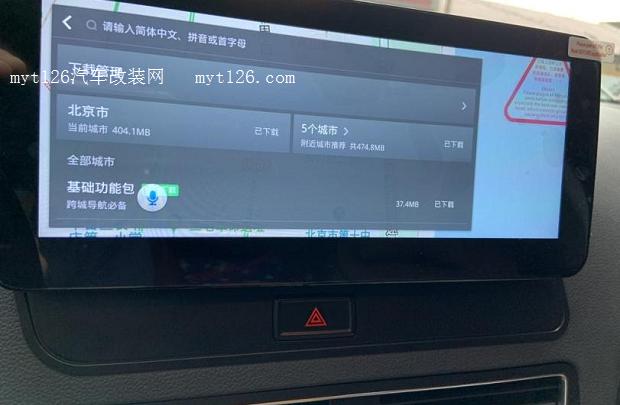
Navigation apps work like their smartphone counterparts but benefit from the larger display and fixed mounting position. You can also connect to Wi-Fi to download offline maps, which helps reduce mobile data usage on long road trips. For many drivers, this is the “sweet spot”: phone-level navigation capability without the drawbacks of a phone mount.
Wireless CarPlay and Audio Integration
Wireless CarPlay connects reliably and handles calls, music, and navigation smoothly. A major improvement versus older Audi Q5 CarPlay retrofit solutions is audio handling: navigation prompts can play while factory media continues, instead of routing everything through AUX and interrupting FM or CD playback.
Real-World Summary: Pros and Cons
- Stable CAN Bus behavior (so far): no issues observed with headlights, wipers, or door locks.
- Better readability: the larger screen improves navigation visibility and comfort.
- Smooth daily performance: responsive UI for maps, media, and CarPlay tasks.
- Cleaner audio integration: navigation prompts don’t interrupt factory entertainment sources.
- OEM-like aesthetics: rounded corners blend well with the Q5 interior.
- تطبيق CarPlay اللاسلكي: avoids constant plug-in and stays relevant as phones evolve.
- Screen size ceiling: some competitors now offer 12-inch+ options.
- Occasional app crashes: rare, but noticeable—software updates could improve this.
- Too many AV (RCA) connectors: most users won’t need them; modular design would be cleaner.
Minor complaint: the price dropped shortly after purchase. That’s life.





Add comment